Lauritz Knudsen
View
Contact
The Client
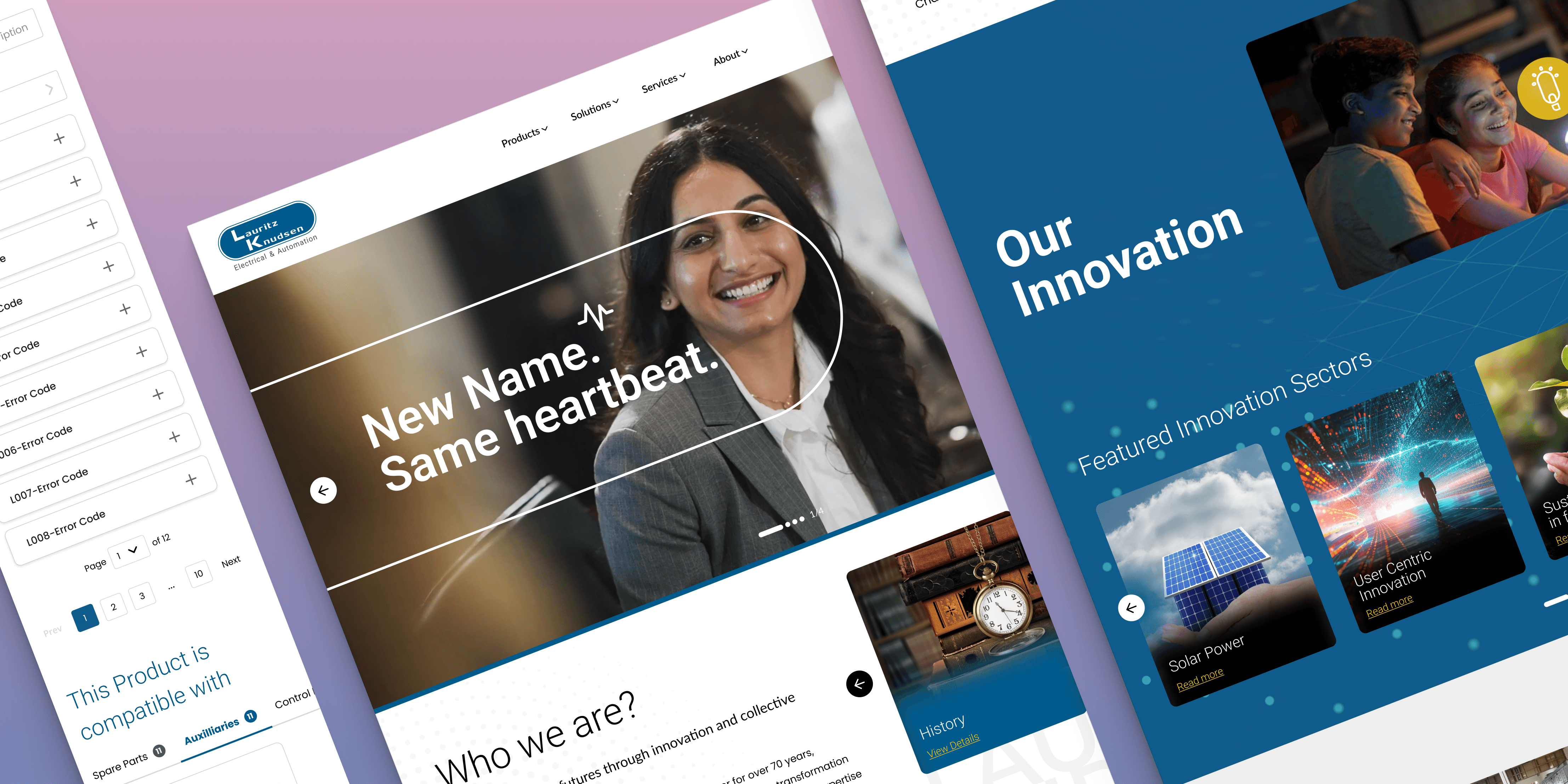
Lauritz Knudsen Electrical and Automation is a pioneering electrical and automation brand with a rich legacy of over 70 years in India.
Business need
The website required a complete refresh to address their rebrand and usability and information architecture challenges across the site. The broader goal was to create a modern, intuitive, and user-friendly experience that would elevate the brand's digital presence.
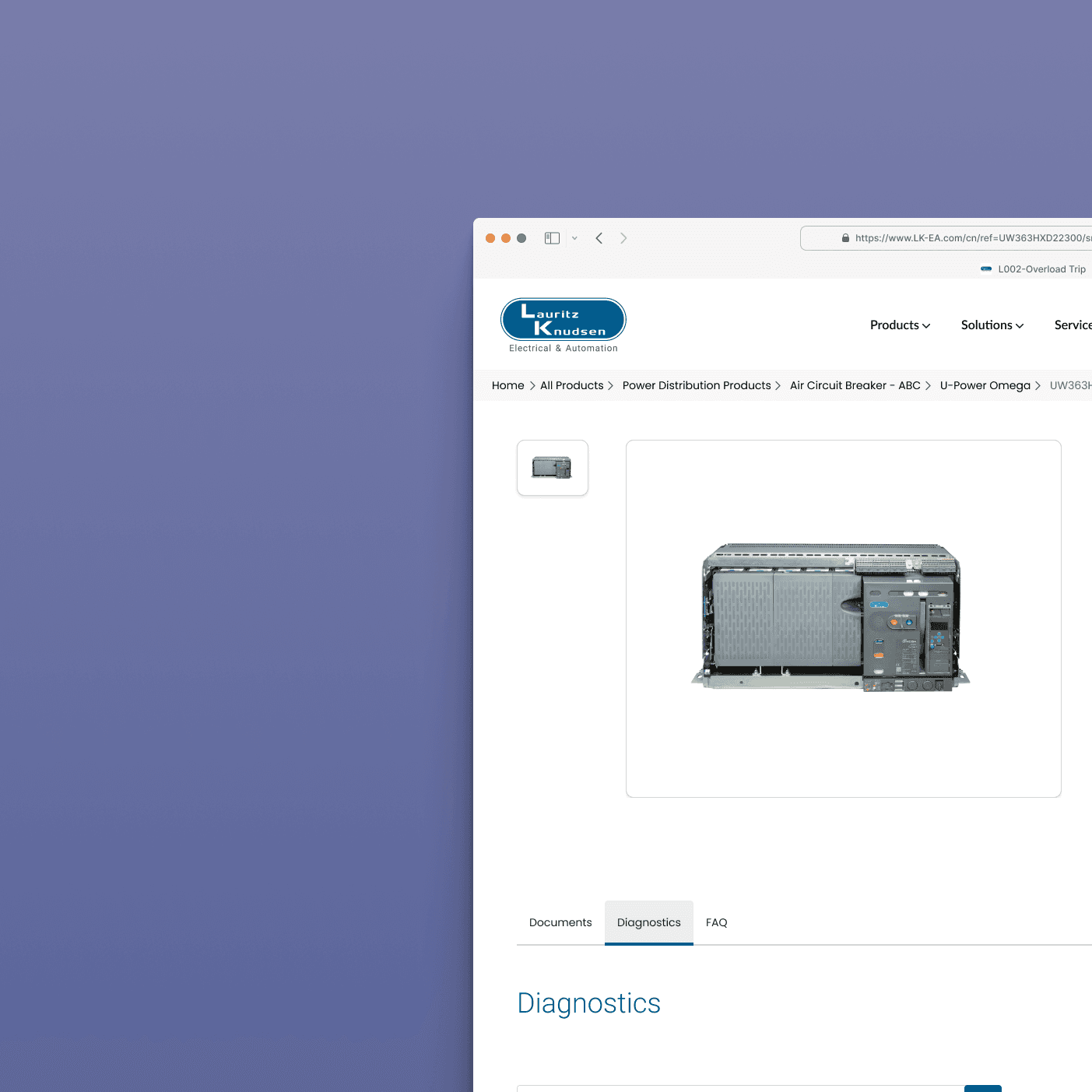
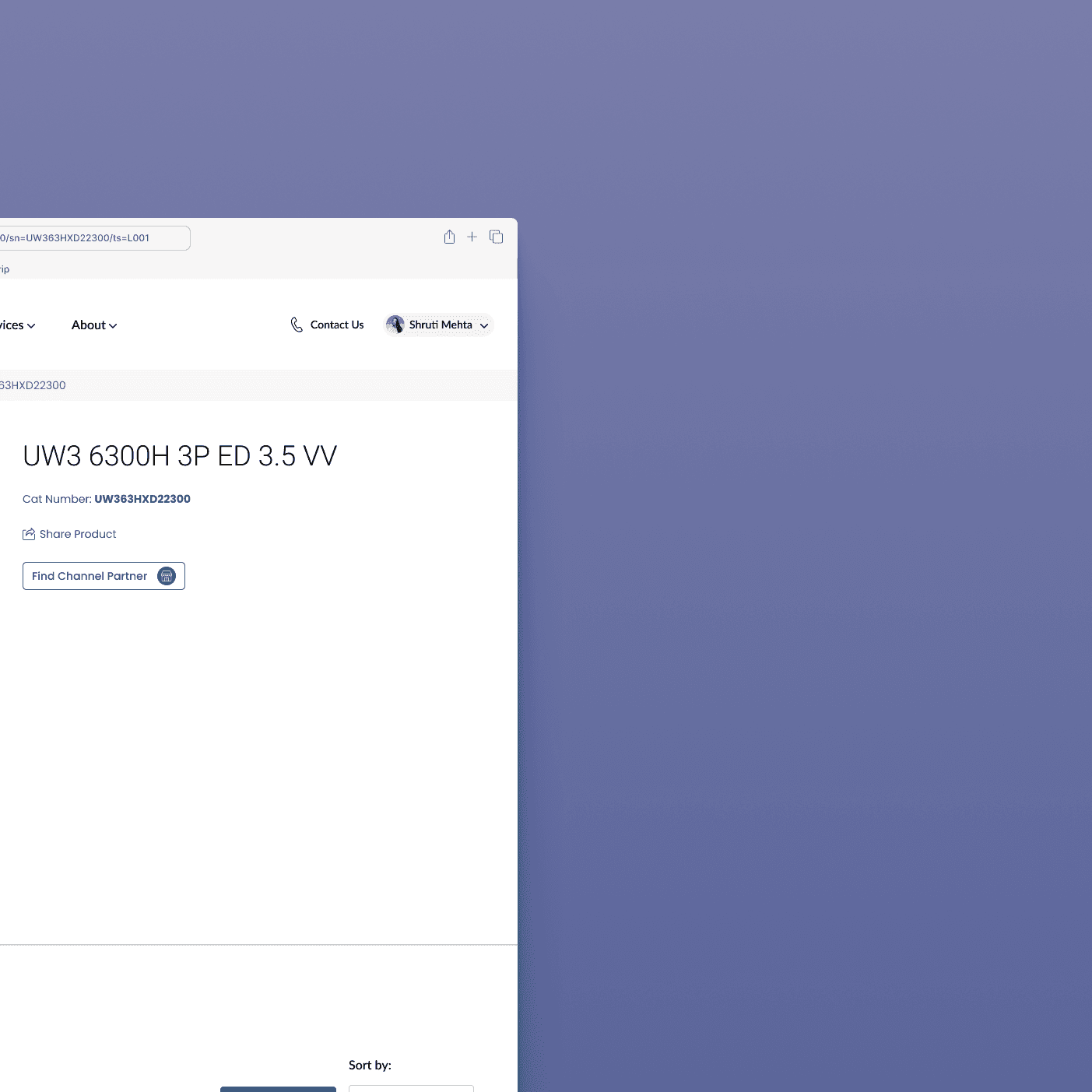
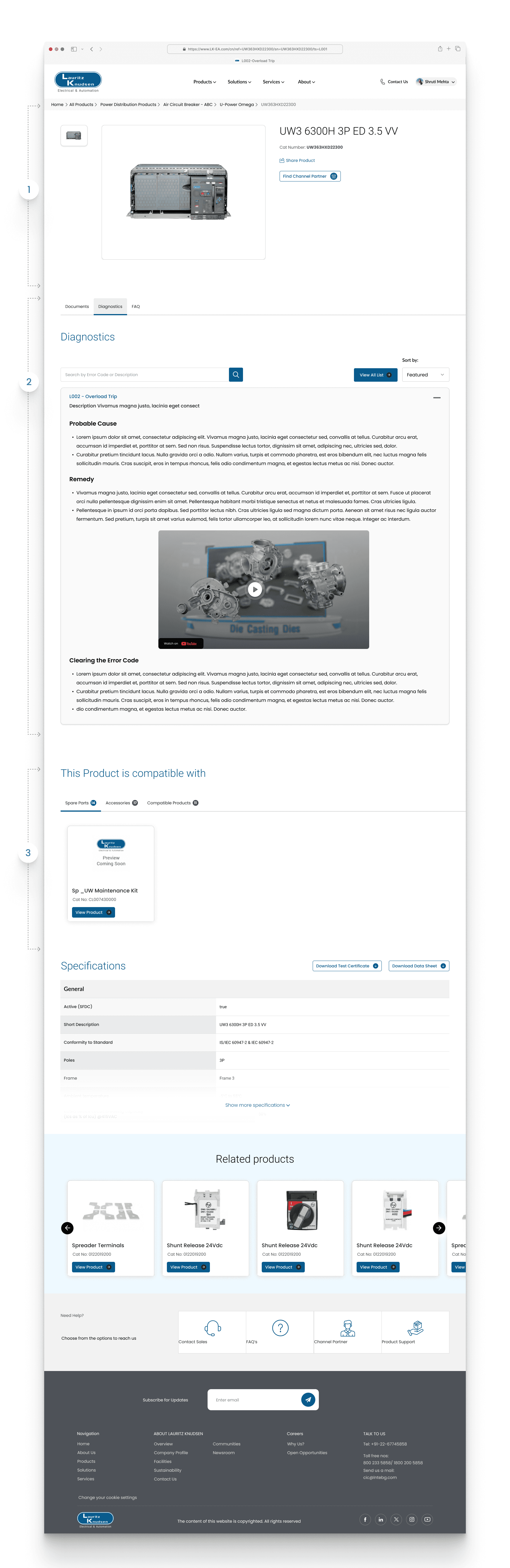
Example: The brand required a structural solution to significantly improve the post-purchase experience and reduce service inquiry lead time by making technical diagnostics, error code lookup, and comprehensive FAQ answers instantly and efficiently accessible directly on the PDP.
Impact & Results
Reduction in Call Volume, Increase in Self-Service Adoption Rate (measured by unique views of the Diagnostics and FAQ tabs), Improvement in Customer Effort Score (CES)
Screens
Screen 1 : Create
Little brief and proceed with the pointers :
1. Text
Text
Text
3a
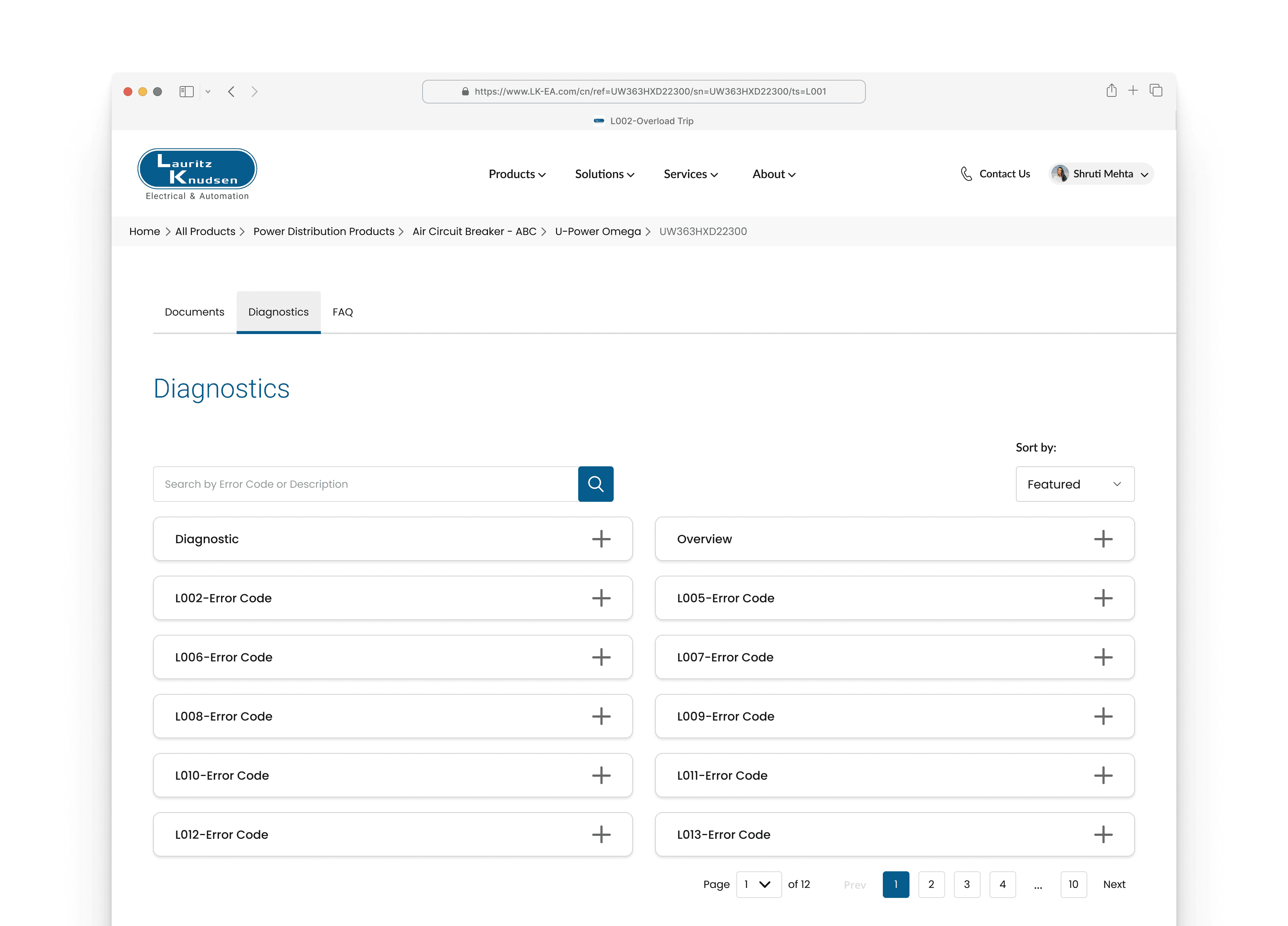
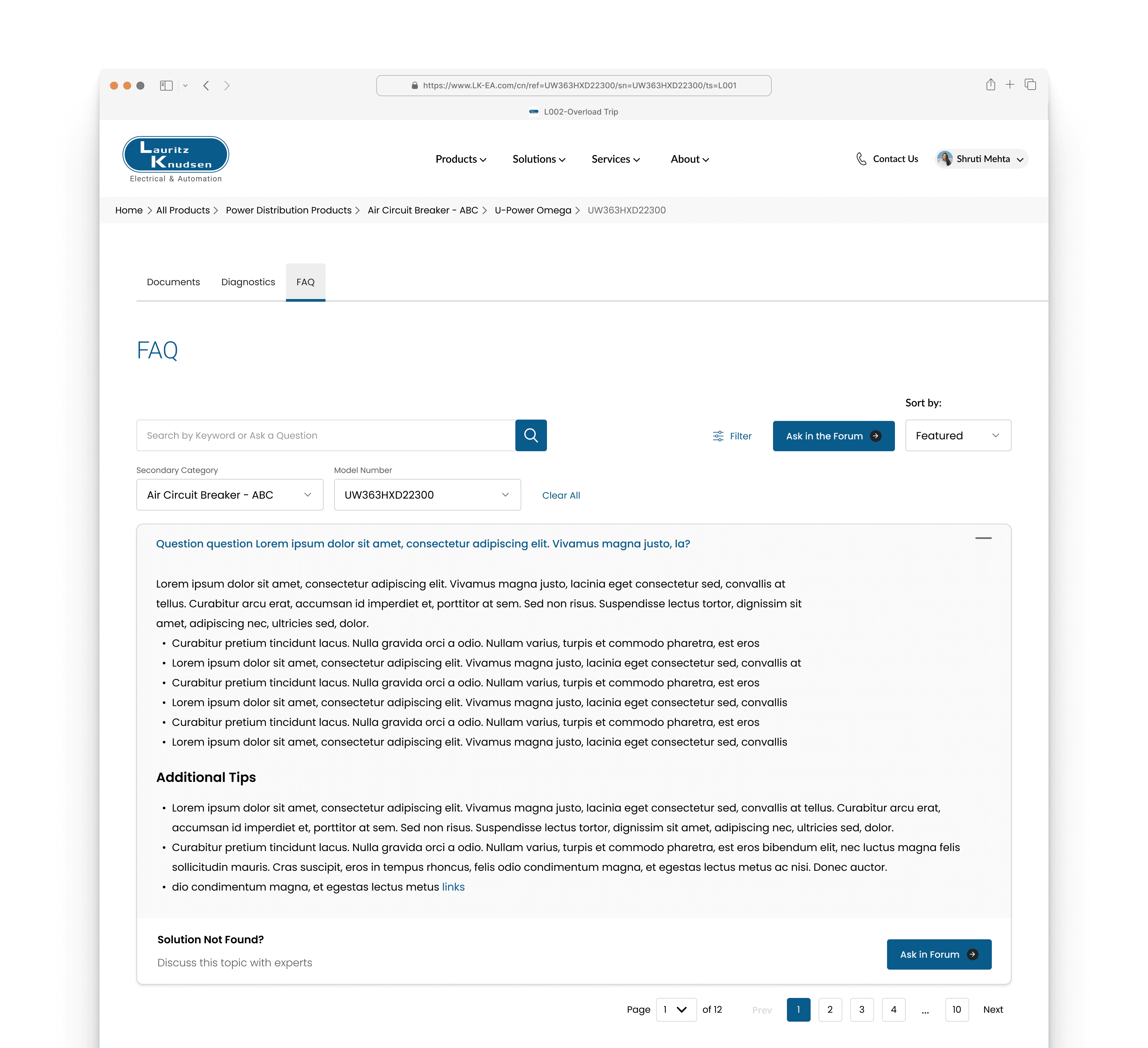
Search Bar with Contextual Filters (in Diagnostics/FAQ): A targeted search field that enables users to locate information instantly by entering error codes, keywords, or descriptions, drastically improving information retrieval speed.
FAQ
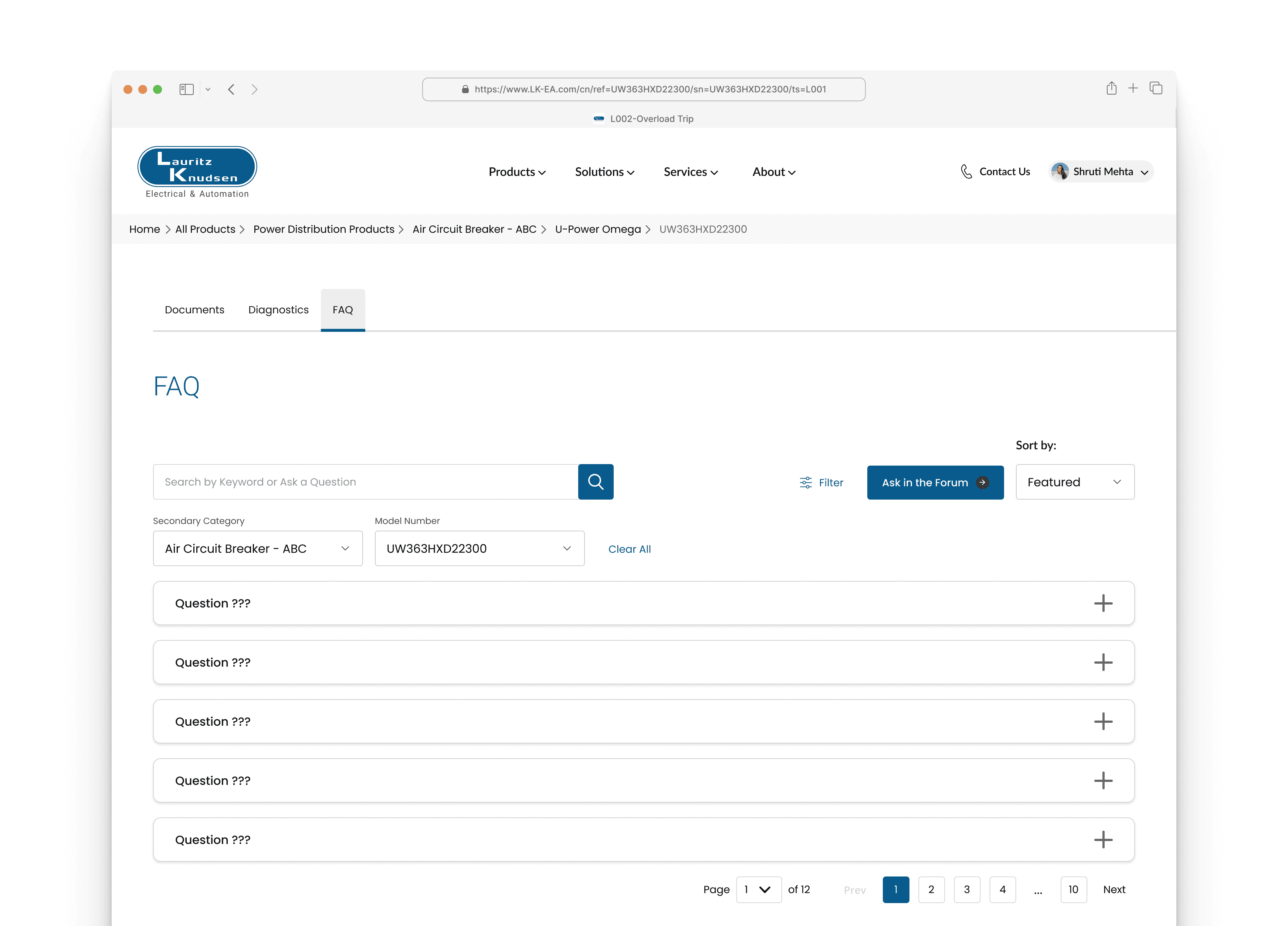
Accordion Structure (for Error Codes and FAQ Entries): This format efficiently organizes large volumes of information, maintaining a clean UI while allowing users to expand only the specific content they require.
FAQ Expanded
lets talk about ask in forum
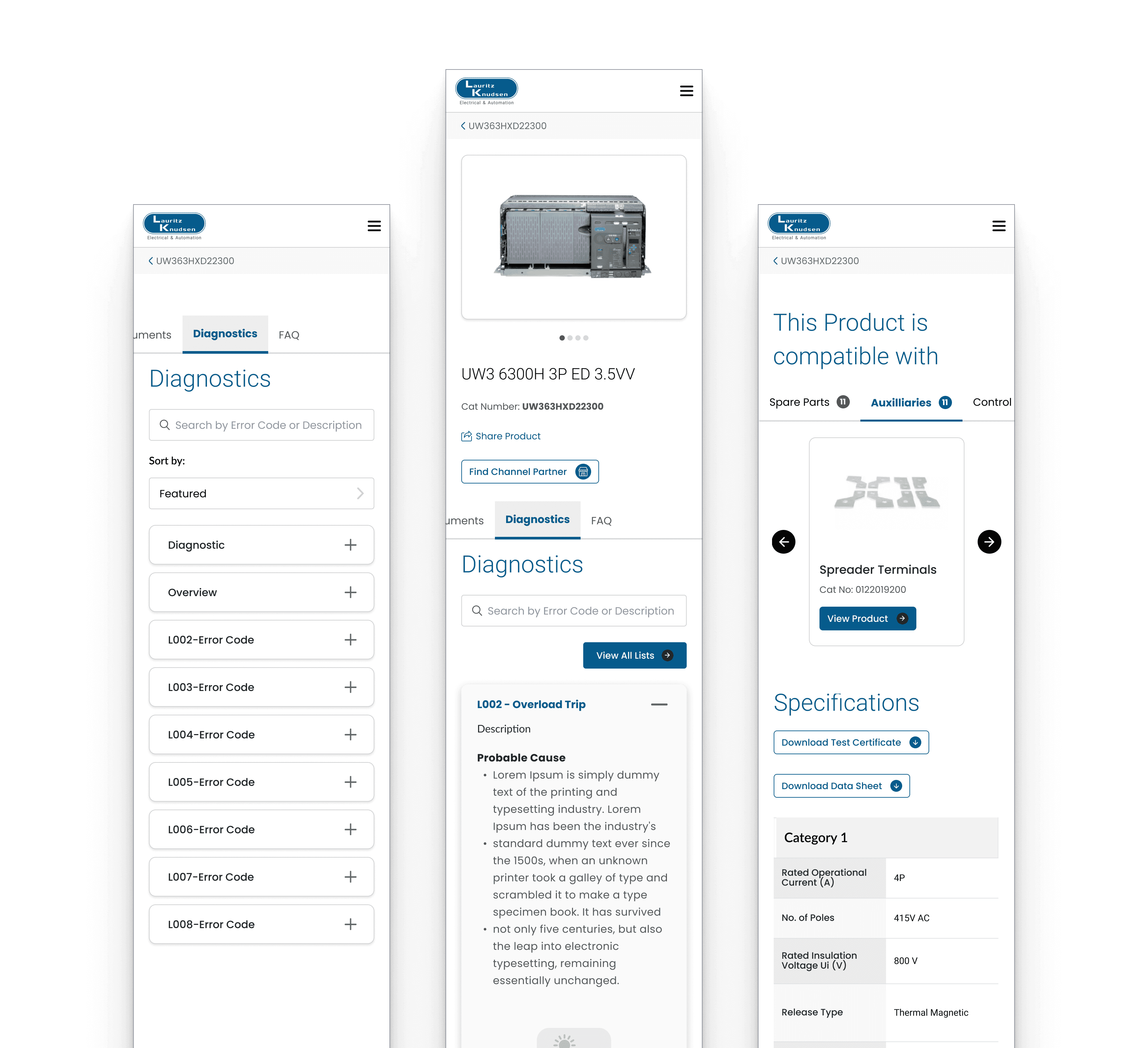
Mobile Screens
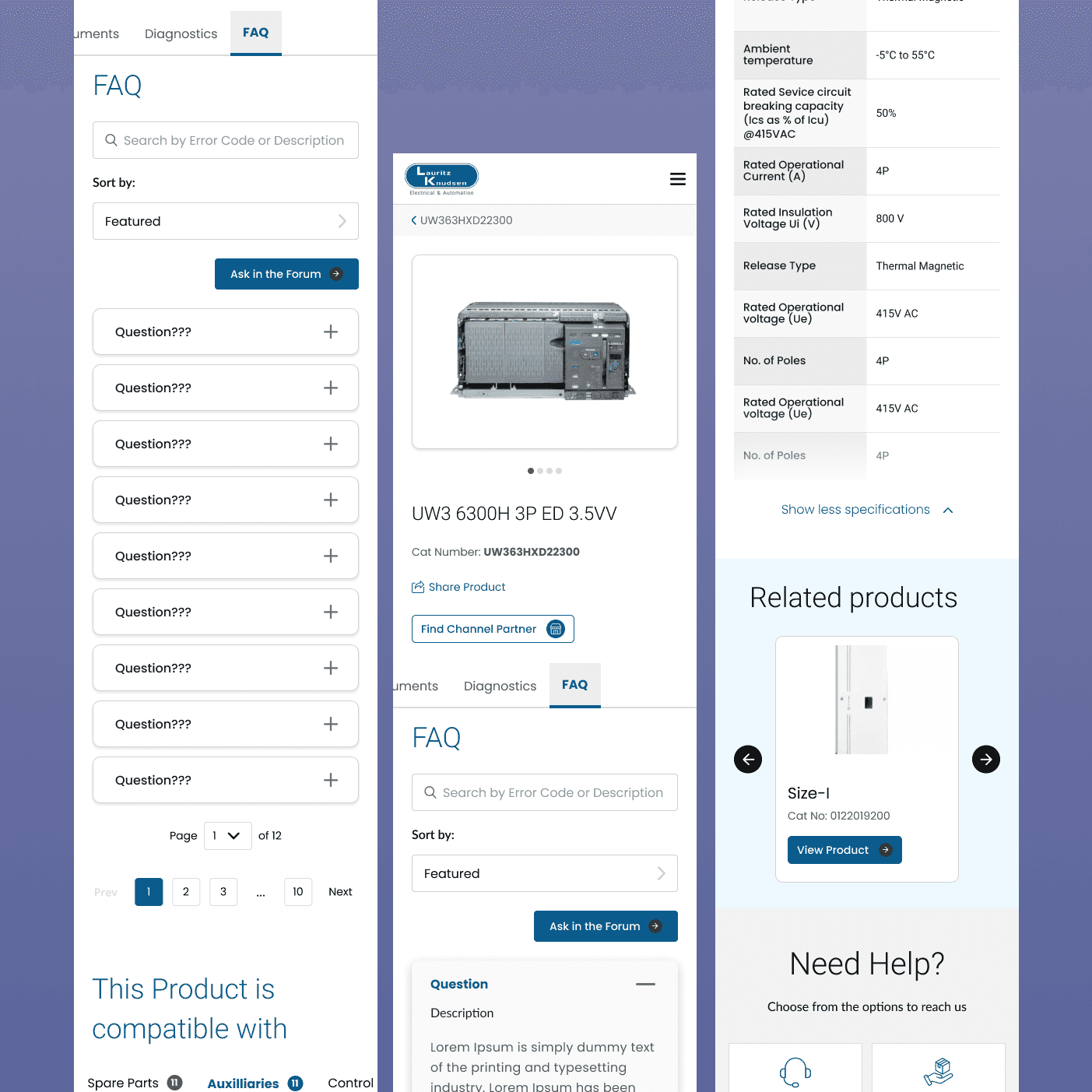
mobile-first, responsive approach, ensuring technicians and users can access critical search and diagnostic tools efficiently on any handheld device in the field.